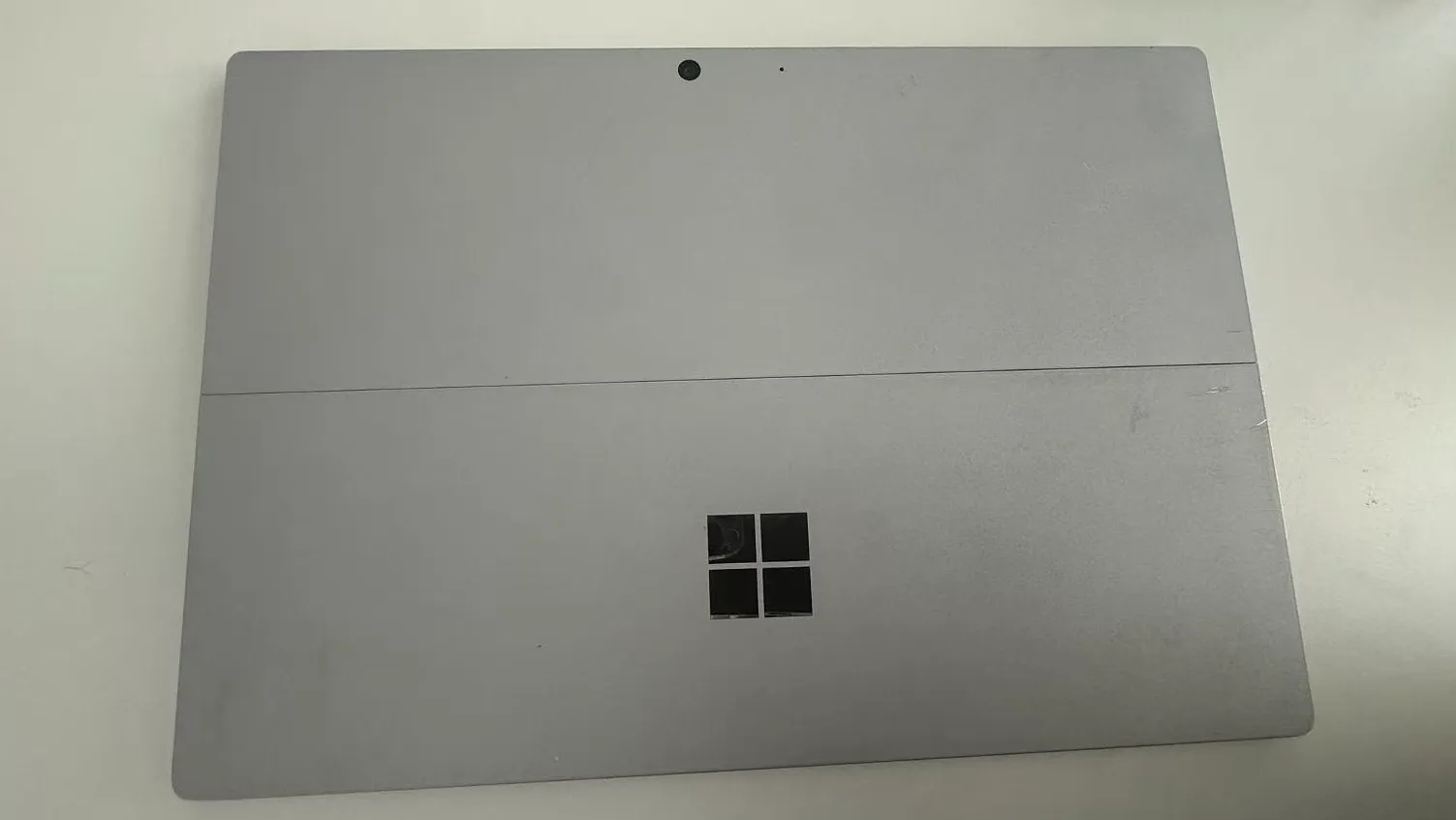
I Bought a 7-Year-Old Surface Pro. After upgrading to Windows 11, the whole screen started flickering. I used Grok Bot to help fix it automatically. These three steps together stopped the flickering.
Turn off Multi-Plane Overlay (MPO) #
Run this in CMD or PowerShell as Administrator:
reg add "HKLM\SOFTWARE\Microsoft\Windows\Dwm" /v OverlayTestMode /t REG_DWORD /d 5 /fTurn off Hardware-accelerated GPU scheduling (HAGS) #
Run this in CMD or PowerShell as Administrator:
reg add "HKLM\SYSTEM\CurrentControlSet\Control\GraphicsDrivers" /v HwSchMode /t REG_DWORD /d 1 /fHwSchMode = 1 means off. 2 means on—don’t set it the wrong way. You can also turn off Hardware-accelerated GPU scheduling under Settings → System → Display → Graphics → Change default graphics settings. That maps to the same setting.
Install Surface panel driver 2.5.15.0 #
In Microsoft Update Catalog, search for LGD0555 (or Surface - Monitor), download the panel driver package, expand the CAB, find SurfacePanelDriver.inf, and install it with an elevated command:
pnputil /add-driver SurfacePanelDriver.inf /installThe build that installed and stuck for me was Surface Panel Driver V2 2.5.15.0 (Device Manager may also show a name like Surface Passthrough Panel V2). Without admin rights, optional driver installs often fail—elevate and try again.
Pitfalls along the way #
- Turning off only MPO or only HAGS often isn’t enough. On this machine, both registry values plus the panel driver were needed together.
- Use
5forOverlayTestMode. The1/2meanings forHwSchModeare easy to reverse. - The panel driver install needs admin; without elevation, Windows Update–side installs can fail outright.
- Expand the CAB fully and confirm you’re using
SurfacePanelDriver.infbefore runningpnputil.
Full reboot #
Start → Power → Restart. After the reboot, the flickering was gone.
If you’re hitting the same issue, I hope this process helps.